
Excel Formulas, Tricks, and Smarter Analysis: Work Faster with SmartSideAI
Work faster in Excel with smart formulas, expert explanations, and real examples. Learn Excel tricks and boost productivity using SmartSideAI.
12/15/20252 min read
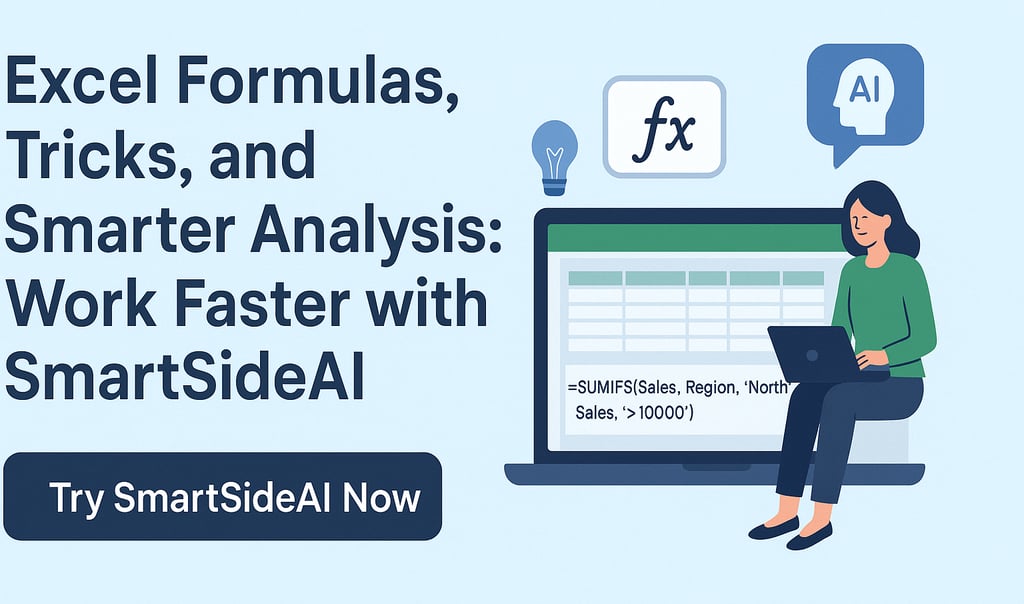
Excel Formulas, Tricks, and Smarter Analysis: Work Faster with SmartSideAI
Excel is one of the most powerful tools in business—but only if you know how to use it efficiently. For most professionals, Excel work still means searching for formulas, fixing errors, and manually testing logic. This costs time, accuracy, and productivity.
SmartSideAI changes how Excel is used by turning natural language questions into accurate formulas—complete with explanations, examples, and smarter alternatives—so you can work faster and make better decisions.
Why Excel Feels Harder Than It Should Be
Despite years of experience, Excel users still struggle with:
Remembering complex formulas
Writing nested logic (IF, VLOOKUP, SUMIFS, INDEX-MATCH)
Debugging errors like #N/A, #VALUE!, and #REF!
Translating business requirements into Excel syntax
Switching between Excel, Google Sheets, and SQL tools
Excel is powerful—but inefficient without the right support.
What Is SmartSideAI?
SmartSideAI is an AI-powered assistant designed for Excel, Google Sheets, and SQL users. Instead of searching online or guessing formulas, you simply describe what you want to calculate.
SmartSideAI instantly provides:
The correct formula
A clear, step-by-step explanation
Practical examples
Alternate and optimized versions
Guidance on common mistakes
This approach helps both beginners and advanced users work with confidence.
Formula + Explanation (The Key Difference)
Most tools stop at giving you a formula. SmartSideAI goes further.
For every formula, you get:
Why the formula works
What each function does
How to modify it for your data
This means you are not just copying formulas—you are actually learning Excel.
Smarter Excel Tricks That Save Hours
With SmartSideAI, you can quickly master advanced Excel techniques such as:
Replacing VLOOKUP with XLOOKUP
Using SUMIFS and COUNTIFS correctly
Writing dynamic formulas with FILTER and LET
Cleaning data using TEXT, TRIM, and DATE functions
Building conditional logic without nested confusion
Each trick is explained clearly, reducing trial and error.
Example: From Question to Formula Instantly
Question:
“Calculate total sales where the region is North and sales are greater than 10,000.”
SmartSideAI provides:
An optimized SUMIFS formula
A breakdown of how each condition works
An alternate version using FILTER
Common mistakes to avoid
What normally takes minutes—or hours—is solved in seconds.
One Tool for Excel, Google Sheets, and SQL
Unlike many formula tools, SmartSideAI supports multiple platforms:
Microsoft Excel
Google Sheets
SQL queries
This makes it ideal for analysts, finance teams, and startups that work across different data environments.
Who Should Use SmartSideAI?
SmartSideAI is built for:
Business and data analysts
Finance and accounting professionals
Startup founders and operators
Students learning Excel
Teams working with reports and dashboards
If Excel is part of your workflow, SmartSideAI gives you a competitive edge.
Work Faster. Make Fewer Mistakes. Learn Excel Naturally.
SmartSideAI removes guesswork from Excel and replaces it with clarity, speed, and confidence. Instead of struggling with formulas, you focus on insights and decisions.
Call to Action
Stop Searching for Excel Formulas. Start Solving Faster.
Turn your questions into formulas instantly—with explanations you can trust.
👉 Try SmartSideAI Now
https://smartsideais.lovable.app/
No learning curve. Just smarter analysis.
Efficiency
Transform your data management with AI-powered formulas.
Support
Contact Us
© 2025. All rights reserved.