
Supercharge Your Excel Work with SmartSideAI: The AI-Driven Excel Formula Generator
In today’s data-driven world, mastering spreadsheets has never been more important. Yet crafting complex formulas in Microsoft Excel can feel tedious, error-prone and time-consuming—especially when you’re trying to translate a plain English business question into a perfect formula. That’s where SmartSideAI comes in: an AI-powered app that transforms everyday English into exact Excel formulas in seconds. Try it now → SmartSideAI
9/22/20253 min read
Supercharge Your Excel Work with SmartSideAI: The AI-Driven Excel Formula Generator
In today’s data-driven world, mastering spreadsheets has never been more important. Yet crafting complex formulas in Microsoft Excel can feel tedious, error-prone and time-consuming—especially when you’re trying to translate a plain English business question into a perfect formula. That’s where SmartSideAI comes in: an AI-powered app that transforms everyday English into exact Excel formulas in seconds.
Try it now → SmartSideAI
Why Excel Formulas Matter – Especially for SEO & Data Work
Whether you’re pulling keyword metrics, cleaning data exports or building reports, the right Excel formulas can dramatically streamline your workflow.
Many SEO professionals rely on keywords such as “Excel formulas for SEO”, “Excel formula cheat sheet” or “top Excel functions for data analysis”. Supple Digital
A recent guide highlights that learning just 10 high-leverage formulas can help analysts “clean, combine and prioritize faster”. Search Engine Land
Common formulas like VLOOKUP, SUMIF, LEN, CONCATENATE and XLOOKUP are frequently cited in SEO contexts. Link Assistant+1
So if you’re working in Excel—whether for SEO, marketing, finance, operations—you’ll benefit when you can express what you need in plain English and have the formula generated for you.
What SmartSideAI Does
Here’s what sets SmartSideAI apart:
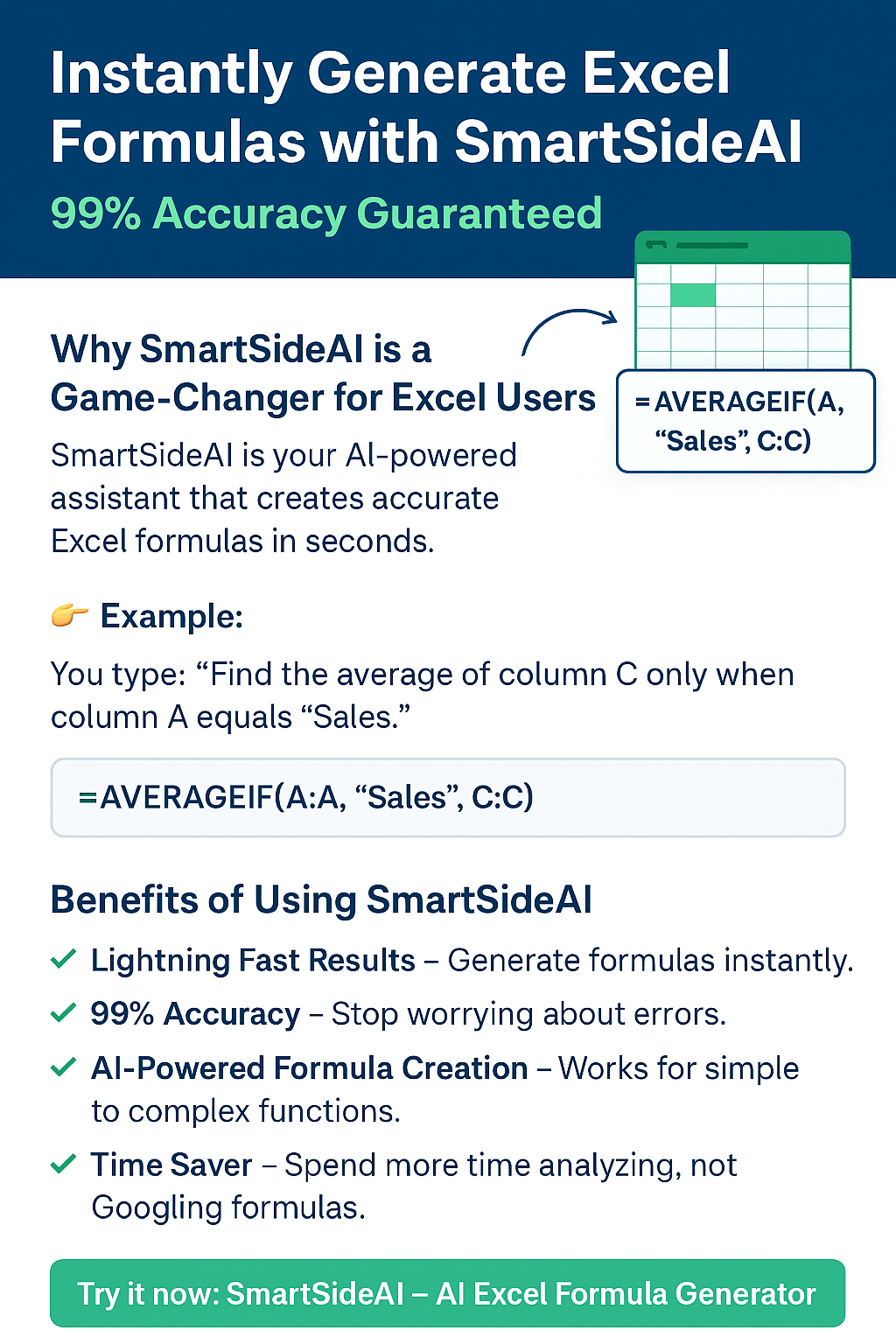
Natural-language to formula: Just type what you want to achieve in plain English (e.g., “If sales > 1000 then mark as high else low”) and SmartSideAI generates the Excel formula you need.
Formula clarity: It doesn’t just spit out the formula — it shows you the syntax, explains each part, so you understand what you’re doing.
Time saver & error reducer: No more battling the formula builder or googling how to nest functions. SmartSideAI handles it instantly.
Designed for Excel users of any skill level: Whether you’re a beginner or a power user, SmartSideAI speeds things up.
Use-Cases You’ll Love
Here are some real-world scenarios where SmartSideAI shines:
SEO keyword data export: Suppose you have a spreadsheet with keywords, search volume, difficulty and you want to flag “high volume & low difficulty” keywords. Instead of writing =IF(AND(B2>1000,C2<30),"Good","Skip"), just type your requirement and SmartSideAI gives the formula.
Data cleaning: Want to strip extra spaces, convert text to lower case, and check for missing values? SmartSideAI will generate formulas like =TRIM(LOWER(A2)) or =IF(ISBLANK(A2),"Missing",A2).
Report automation: Need to automatically label months, set up dashboards, match data across sheets (with XLOOKUP or VLOOKUP)? SmartSideAI helps you build the right formula.
Error handling & dynamic formulas: Formulas like =IFERROR(VLOOKUP(...),0) can be tricky — SmartSideAI suggests them when needed.
Excel Formula Examples You’ll Recognise
Here are some typical formulas SmartSideAI helps you generate — and learn from:
=LEN(A2) — Count characters (for meta titles or descriptions) Medium
=CONCATENATE(A2,"-",B2) or =TEXTJOIN(" ",TRUE,A2,B2,C2) — Combine text for URLs, slugs, or meta descriptions Supple Digital
=SUMIF(C2:C139,"<50",D2:D139) — Sum values where a condition is true (e.g., low difficulty keywords) Link Assistant
=XLOOKUP(E2,A2:A12,D2:D12) — Modern lookup across ranges (Excel 365+). Supple Digital
=IF(LEN(B2)>60,"Too Long","OK") — Check if a title exceeds length limit (SEO context) Search Engine Land
With SmartSideAI, you just tell it: “Check if title length > 60 then flag as Too Long”, and get a working formula without the guesswork.
Why SmartSideAI is Worth It
🚀 Speed – Instant formula generation means you spend less time building logic and more time analyzing data.
🧠 Learning-friendly – Watch how the formula is constructed and learn Excel functions as you go.
💡 Reduced errors – Fewer syntax mistakes, fewer broken spreadsheets.
📊 Scalable – Works across small tasks and complex multi-sheet operations.
Final Thoughts
Stop wrestling with formulas in Excel. Whether you’re an SEO specialist, data analyst, marketer or just someone who deals with spreadsheets, using SmartSideAI means you can think it → type it → get formula.
Don’t spend hours Googling syntax or worrying about nested functions. Let SmartSideAI handle the heavy lifting so you can focus on insights and results.
👉 Try SmartSideAI today at SmartSideAI — your spreadsheet productivity boost is just a click away.
Thank you for reading! If you like this post, feel free to share it with your network, bookmark it, and drop any questions you have about Excel formulas or using SmartSideAI in the comments below.
Efficiency
Transform your data management with AI-powered formulas.
Support
Contact Us
© 2025. All rights reserved.